Congratulations! Your Call Is Booked! 🎉
(THIS PAGE WILL HELP YOU DO YOUR RESEARCH)
Complete the steps below to confirm your call 👇
We look forward to speaking with you during your scheduled time!
Please be in a quiet spot where we can discuss your goals.
Step 1: Watch this video!
Do NOT skip this video! Your next steps are inside!
Watch this Video for FULL details about who this is for!
If you're watching this video on this page, that means you've already booked the call, so follow the steps below to make sure you're fully ready for the call!
Step 2: Add the call to your calendar!
Make sure that your booking is in your calendar you don't want to miss it! Click "Yes" on this email that you receive!!
In your upcoming call, we’ll:
1. Learn more about you – your current situation, your career goals, and where you’re looking to go.
2. Go over how Crypto Accelerator can help – we’ll talk about the program, how it works, and answer any questions you’ve got.
3. Give you clear next steps – whether you're ready to dive in or need a little more info, we’ll make sure you know what comes next.
It’s all about making sure you have what you need to feel confident moving forward.
Step 3: Your Burning Questions Answered!
You do NOT need to watch all videos. You can watch the videos that apply to you. But the more you watch, the more researched and prepared you will be!
"Do I need a technical background?"
"How long does it take to get a job?"
"Is Crypto a real career?"
"What makes this different from free YouTube content?"
"What if I've tried before and failed?"
"Can I do this with a full time job?"
Step 4: Meet Your Instructor!
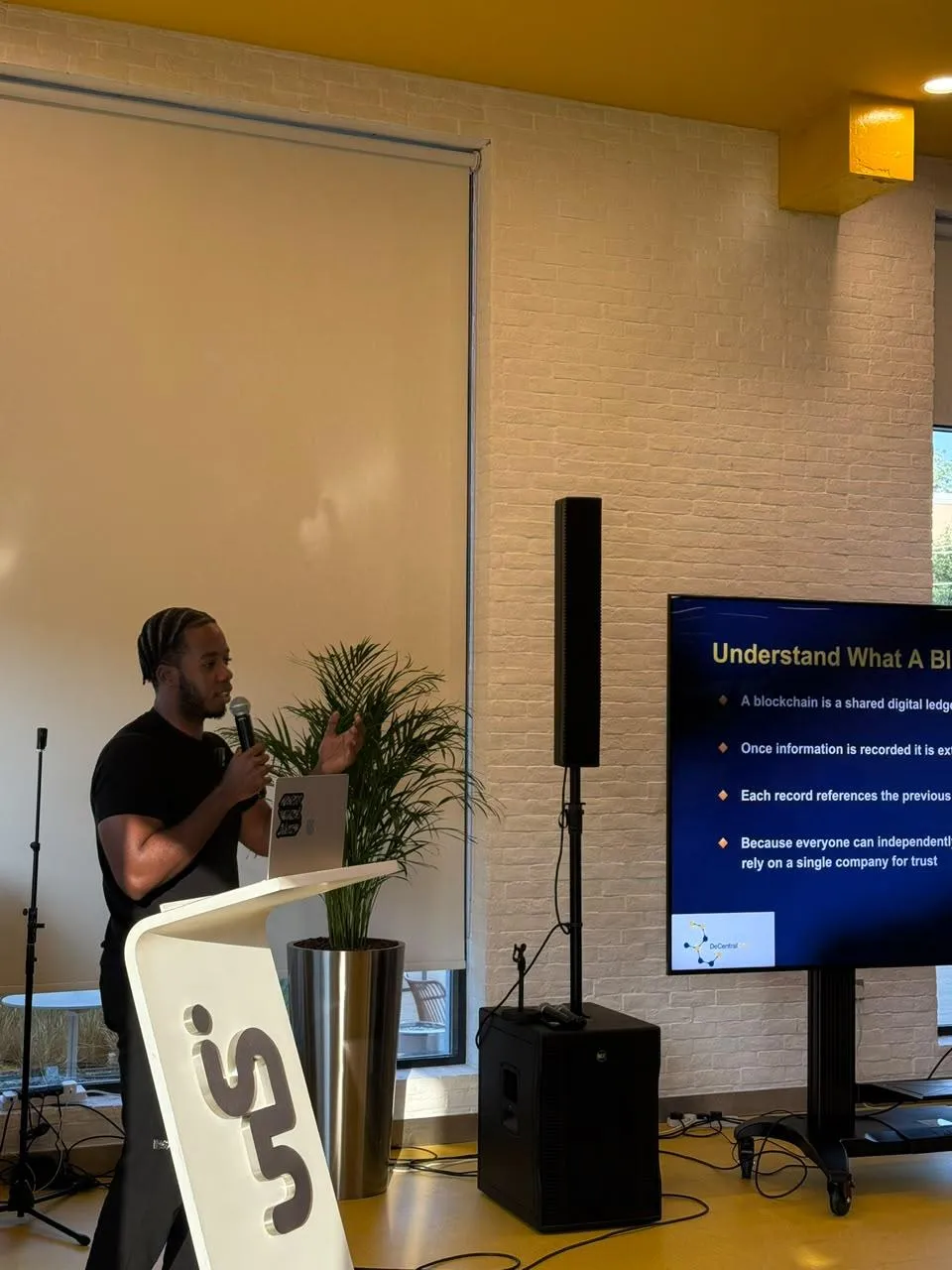
Blockchain engineer with 3 years at Chainlink, where he worked on the oracle infrastructure that powers most of DeFi.
His students have been hired at Binance, the Ethereum Foundation, Ericsson, and more.
He guest lectures at Imperial College, Oxford, and Abu Dhabi University. Based in Dubai.
Step 5: Hear directly from our students!
Step 6: Come Prepared!
To make the most out of this call, I recommend you come prepared. Make sure you have specific questions in mind and areas you want to focus on.
I want you to leave the call more informed than before the call.
See you on the call.